Multiple photos of the same space are placed in the same album, and the number of cases is no longer counted repeatedly.
Skip to text
SURFACE ATLASSURFACE ATLAS
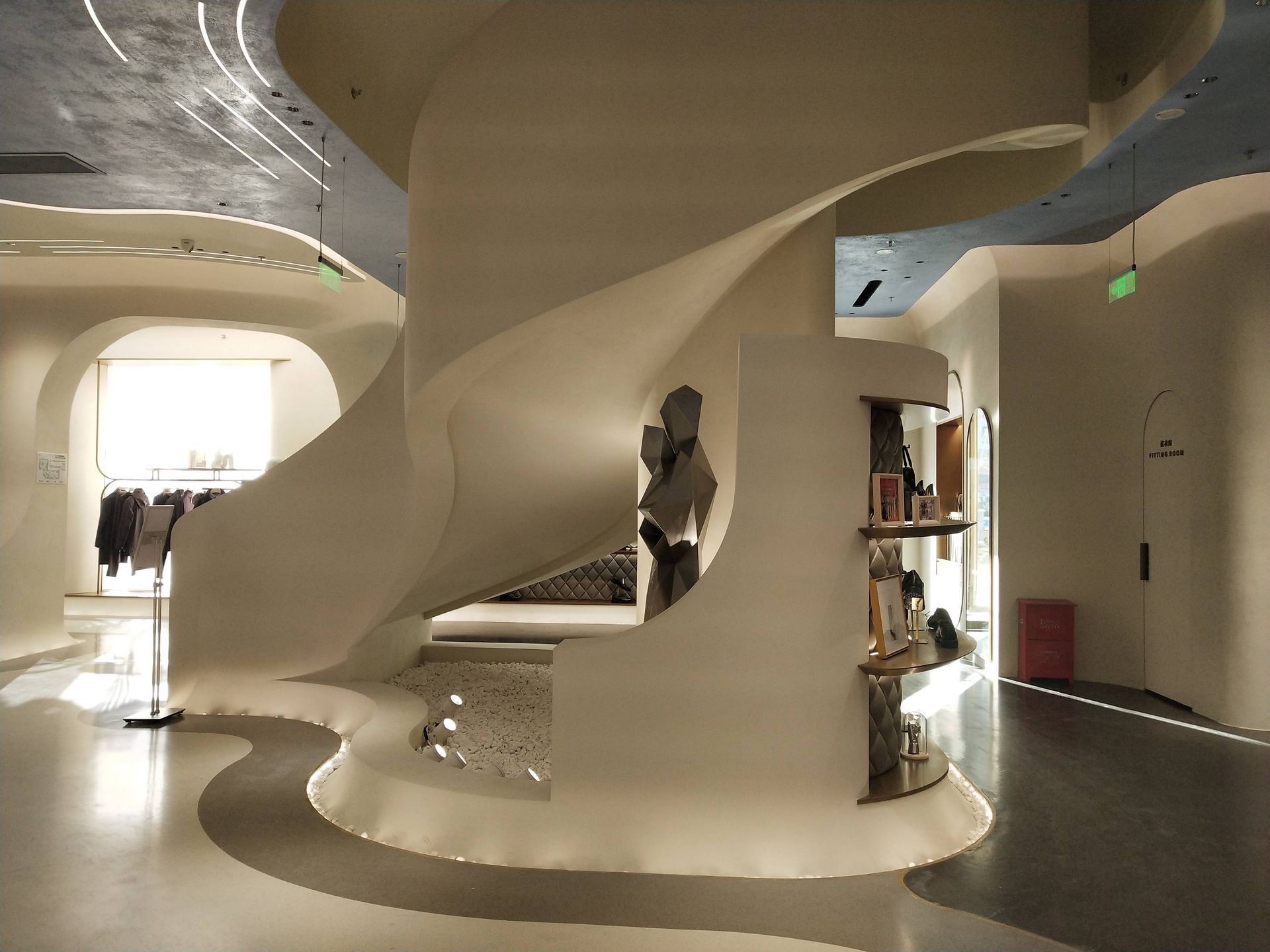
every project,
First filter by material,
Classification and organization,
01One project, one file
02Data attributes are clear
03Technical evidence grading
PROJECT ARCHIVE / 25 CASE FILES
every project,
All deserve a complete record.
25 case files · 37 project and application images
Multiple photos of the same project are merged and managed; real photos in the database are clearly distinguished from brand application references, and each photo is no longer counted repeatedly as a case.
01 / CLASSIFIED PROJECTS
First filter by material,
Check the space type again.
The first layer distinguishes data attributes and material systems, and the second layer is filtered according to residential, commercial, wet areas, public spaces, restaurants and exterior walls. Click on a case file to view all images of the project in succession.
Step One/Data and Material System
Step 2 / Space Usage
Current category:Database real shots /all space
5 case files · 7 picturesThere are no cases in the current combination
Please select "All Spaces" or switch to another material system.
02 / FILE STANDARD
Classification and organization,
Make case evidence clearer.
Real shots in the database, brand official applications and product effect data are marked separately to avoid confusion about project responsibilities.
Location, area, grassroots level, system level, color number, node, construction period and maintenance feedback will only be entered into the public archives after obtaining original records or on-site verification.